
Laptops and desktop computers
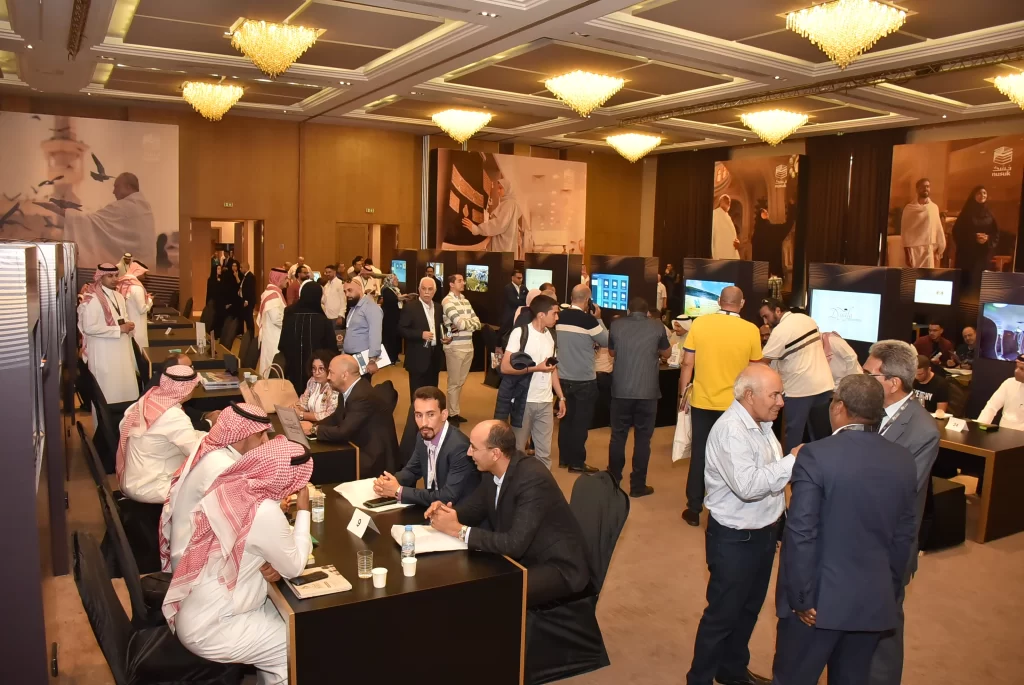
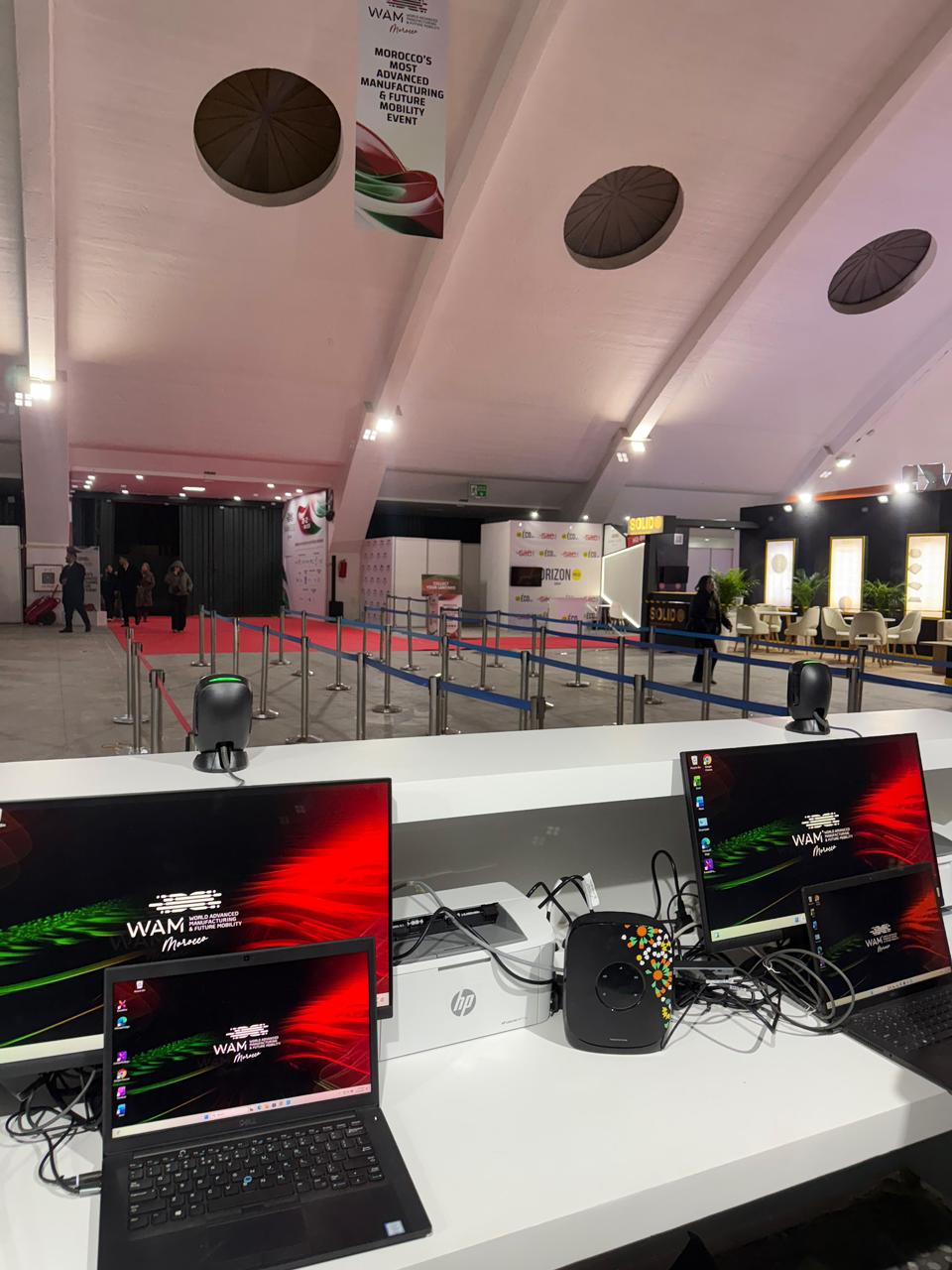
Temporary workstations for reception, presentations, training, demonstrations, technical operation or organiser offices.
Preparation · Installation · Support
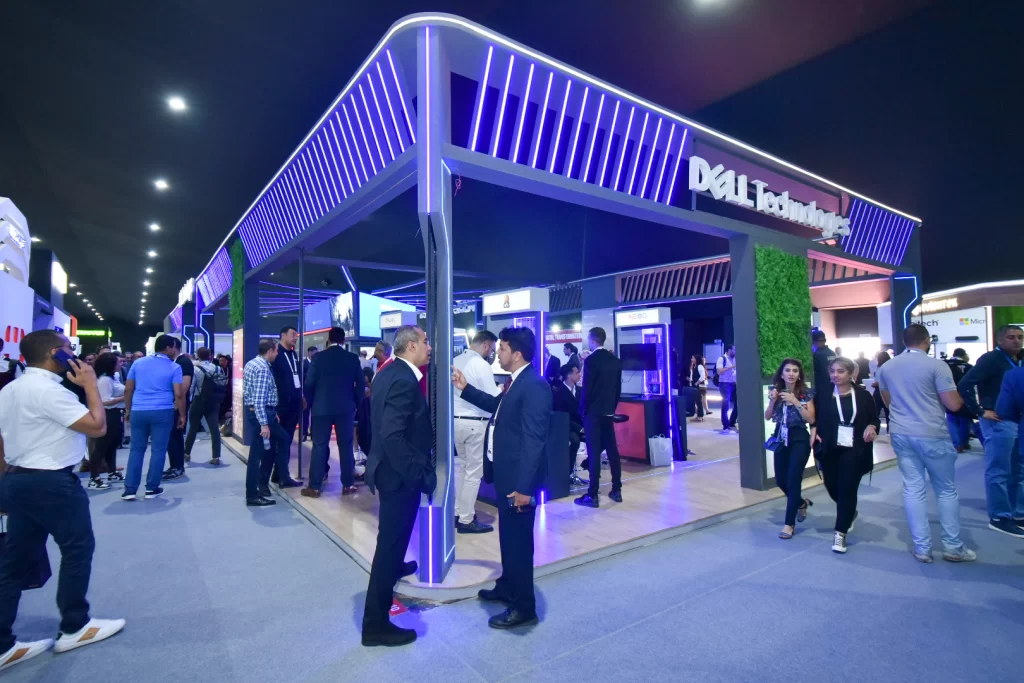
Newcom prepares, delivers and installs temporary computer workstations for conferences, trade shows, exhibition stands, training sessions and event registration, with on-site support where the project requires it.
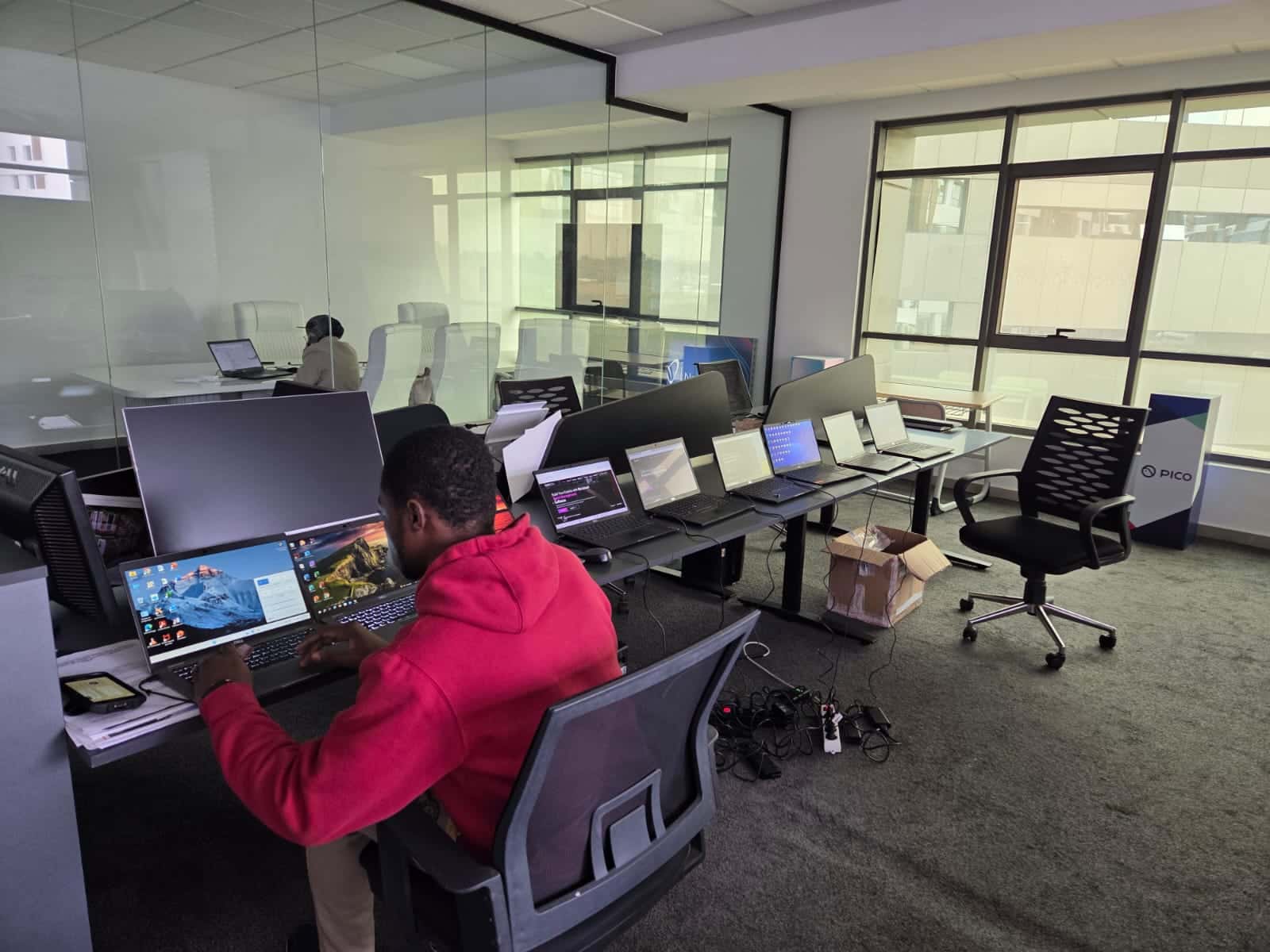
A registration desk, a stand demonstration and a training room need different peripherals and levels of preparation.
We can supply specified equipment, provide delivery and installation, or integrate IT into a wider event production.
Temporary workstations for reception, presentations, training, demonstrations, technical operation or organiser offices.
Monitors, keyboards, mice, headsets, adapters and connections are selected to suit the workstation, content and layout.
Information access, wayfinding, forms or interactive activities: the format is chosen for the audience, duration of use and required integration.
Document or badge printing, consumables, connectivity and a workstation for corrections are specified in the scope of the proposal.
Workstation connections, switching, routing and testing can be included. Venue internet access or a dedicated connection must be identified in the brief.
Approved software, shortcuts, content and access are prepared where the configuration supports them and the necessary licences are available.
A technician can provide installation, pre-opening checks, user assistance and troubleshooting according to the agreed schedule.
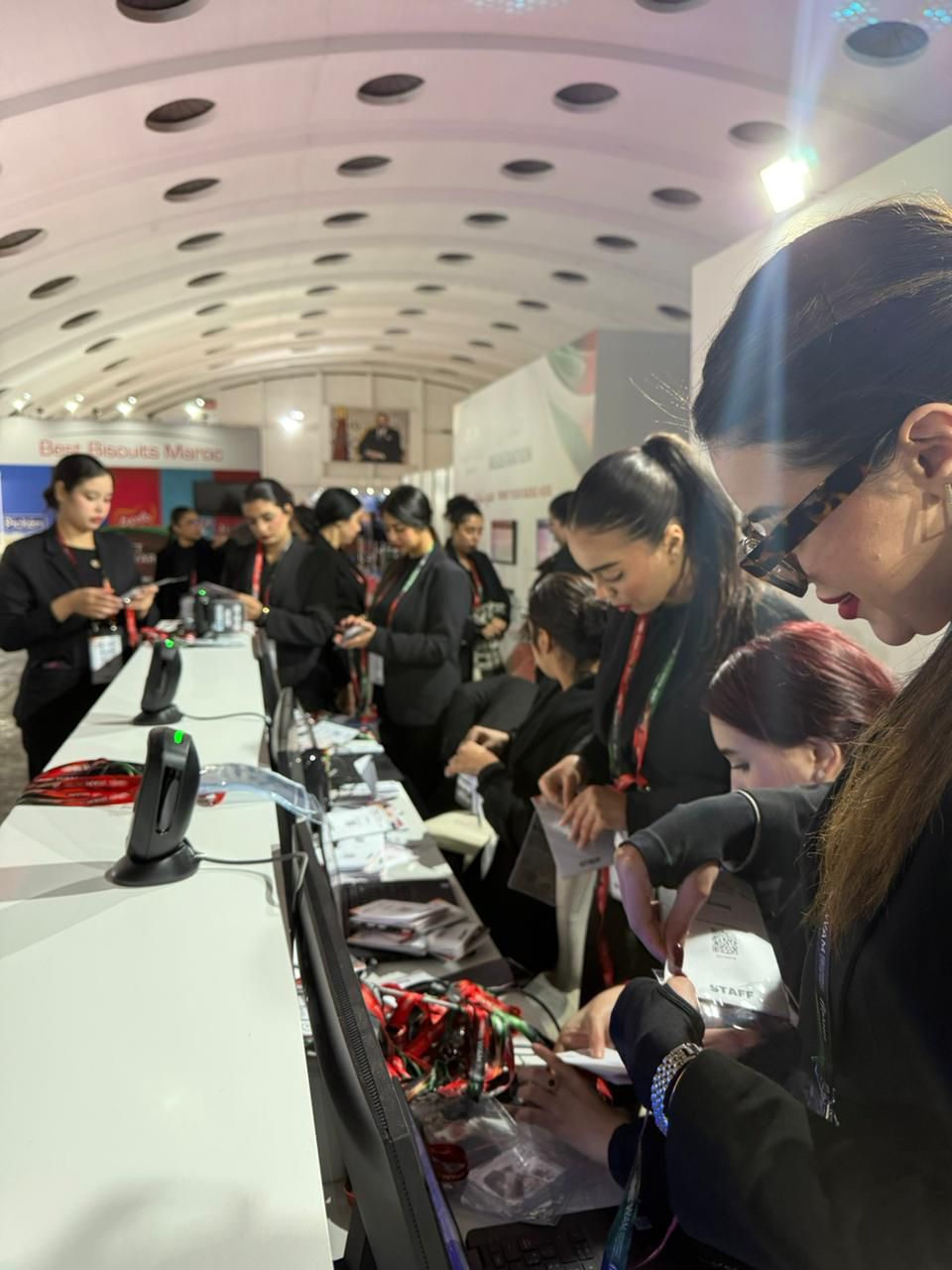
The quote specifies the equipment, accessories, content, software, delivery, installation, tests and support hours included. It also identifies the connection, accounts and licences to be provided by the client or venue.
The number of workstations is only a starting point: use, software, data, network, schedule and venue responsibilities are clarified before preparation.
Dates, city, venue, uses, users, workstations, software, network and schedule.
Equipment, screens, peripherals, printing, connections and support.
Equipment checks, authorised content, testing and logistics planning.
Placement, connections, network, printing and checks with the teams.
Agreed support, dismantling, equipment collection and the planned handling of data.
Equipment can be prepared in Casablanca, then delivered and installed in Rabat, Marrakech, Tangier, Agadir, Fes and other cities according to the schedule, access and agreed setup.
The venue, dates, intended uses and required software help us check feasibility and propose a suitable configuration.
Yes, subject to availability and the agreed scope. Delivery, installation, screens, accessories, network and support are specified separately in the quote.
Yes, where the software is compatible and the necessary licences and permissions are available. The brief must specify versions, accounts, content, security restrictions and required tests.
Not automatically. The quote specifies whether the connection is provided by the venue, the client or as part of our service. Bandwidth, coverage, restrictions and any backup connection must be confirmed.
Yes. A technician can be scheduled for installation, opening, support or the full operating period, according to the programme, uses and required level of continuity.
Accounts and files added for the event are handled according to the agreed procedure and the equipment’s technical capabilities. Any request for certified data erasure must be made before the event and assessed separately.
Yes. Equipment can be delivered, installed and supported in Rabat, Marrakech, Tangier, Agadir, Fes and other Moroccan cities, depending on the project.
We will assess the equipment, accessories, software, network, installation and support required before proposing a scope of work.